mirror of
https://github.com/jambonz/next-static-site.git
synced 2026-10-19 18:04:24 +00:00

82 lines
1.9 KiB
Plaintext
82 lines
1.9 KiB
Plaintext
# Built-In Components
|
|
|
|
Some helpful built-in components from `nextra-theme-docs`.
|
|
|
|
## Callout
|
|
|
|
import Callout from 'nextra-theme-docs/callout'
|
|
|
|
#### Example
|
|
|
|
<Callout>
|
|
A **callout** is a short piece of text intended to attract attention.
|
|
</Callout>
|
|
|
|
<Callout emoji="🦤">
|
|
The **dodo** is an extinct flightless bird that was endemic to the island of Mauritius, east of Madagascar in the Indian Ocean.
|
|
</Callout>
|
|
|
|
#### Usage
|
|
|
|
```mdx
|
|
import Callout from 'nextra-theme-docs/callout'
|
|
|
|
<Callout emoji="🦤">
|
|
The **dodo** is an extinct flightless bird.
|
|
</Callout>
|
|
```
|
|
|
|
## Bleed
|
|
|
|
import Bleed from 'nextra-theme-docs/bleed'
|
|
|
|
#### Example
|
|
|
|
When wrapping your content with `<Bleed>`, it will be slightly wider than the container
|
|
and will overflow on both sides.
|
|
|
|
<Bleed>
|
|
<div style={{ border: '1px solid #888', padding: '4rem 2.5rem', textAlign: 'center' }}>
|
|
_There is nothing to writing. All you do is sit down at a typewriter and **bleed**._
|
|
|
|
— Ernest Hemingway
|
|
</div>
|
|
</Bleed>
|
|
|
|
It providers a better reading experience when you want to present some graphical information, which normally
|
|
looks nicer in a larger size.
|
|
|
|
For example you can put text, image, video or any component inside:
|
|
|
|
<Bleed>
|
|
<iframe width="100%" height="430" src="https://www.youtube.com/embed/3hccXiXI0u8" frameborder="0" allow="accelerometer; autoplay; clipboard-write; encrypted-media; gyroscope; picture-in-picture" allowfullscreen/>
|
|
</Bleed>
|
|
|
|
You can even make it full-bleed using `<Bleed full>`:
|
|
|
|
<Bleed full>
|
|
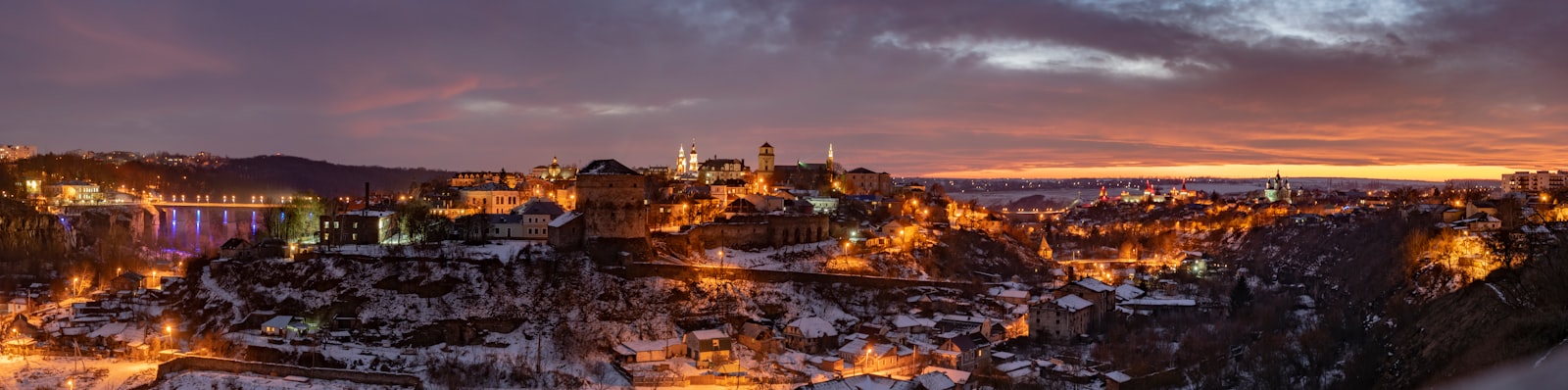
|
|
</Bleed>
|
|
|
|
#### Usage
|
|
|
|
```mdx
|
|
import Bleed from 'nextra-theme-docs/bleed'
|
|
|
|
<Bleed>
|
|
Hey, I can use **Markdown** syntax here.
|
|
</Bleed>
|
|
|
|
<Bleed full>
|
|

|
|
</Bleed>
|
|
|
|
<Bleed full>
|
|
<iframe src="https://codesandbox.io/embed/swr-states-4une7"
|
|
width="100%"
|
|
height="500px"
|
|
title="SWR-States"
|
|
></iframe>
|
|
</Bleed>
|
|
```
|